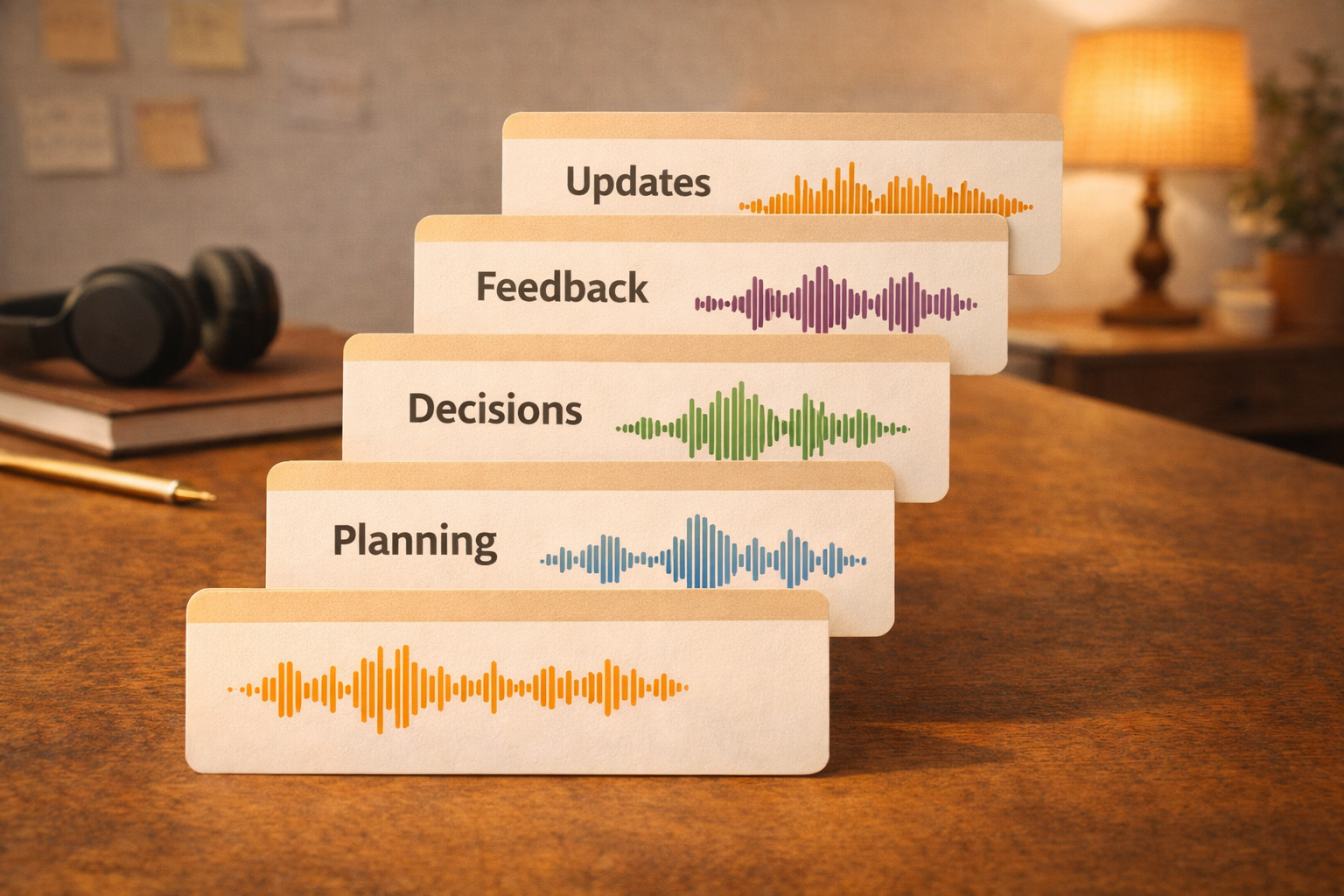
Creators run out of time when they rely on fresh writing every day. A clip bank solves this. You record a batch of short voice clips and reuse them all week.
Step 1: Record a batch
Pick five ideas. Record each in 60 to 90 seconds. Keep each clip focused on one point.
Step 2: Label the clips
Give each clip a clear title. This makes it easy to find and repurpose later.
Step 3: Convert to content
A single clip can become:
- a tweet thread
- a LinkedIn post
- a short script
The benefit
You are not creating new ideas every day. You are distributing existing ones. That reduces creative fatigue and increases output.
Bonus: create a weekly theme
If all clips follow one theme, your weekly content feels consistent and more brand‑like.
If you want to ship consistently, a clip bank is the simplest way to stay ahead.
The repurposing rule
Start with one idea, then choose two formats:
- long form (blog)
- short form (social)
- spoken (podcast)
If you pick the formats first, your editing becomes faster and the output feels intentional.
Keep a weekly content shelf
Store drafts in a single place and label them by topic. That way, you always know what to publish next without creating new ideas on the spot.
A simple schedule
Record on Monday, edit on Tuesday, publish on Wednesday. If you repeat the same rhythm, it becomes automatic.
A practical closing note
If you want this to work long‑term, keep the workflow small. A short, repeatable habit beats a perfect system you only use once. The output does not need to be elegant. It needs to be clear enough to move someone forward.
One last tip
End every note with a single line that starts with “Next:” and names the next action. That one line turns a note into momentum.
A final checkpoint
Before you publish, ask two questions:
- Can someone act on this without asking you to clarify?
- Is the next step obvious?
If both are true, your note is ready. Ship it and move on.
The repurposing rule
Start with one idea, then choose two formats:
- long form (blog)
- short form (social)
- spoken (podcast)
Picking formats first makes editing faster.
A weekly rhythm that works
- Monday: record the idea
- Tuesday: edit the long form
- Wednesday: publish short form
This rhythm keeps you shipping without burnout.
A quick promotion stack
Use the same idea in three places: a post, a thread, and a short audio clip. Consistent repetition builds recognition.
A final checkpoint
Before you publish, ask two questions:
- Can someone act on this without asking you to clarify?
- Is the next step obvious?
If both are true, your note is ready. Ship it and move on.
How to apply this in a real week
Pick one day and test the idea from “The Creator’s Clip Bank: Record Once, Publish All Week.” Keep the output small and time‑boxed. When you finish, write down one thing you would change next time. That tiny feedback loop is what turns a nice idea into a working habit. Most workflows fail because they are too big or too vague. The smaller you keep it, the more likely you will repeat it.
A quick self‑review
After you publish, ask yourself:
- Did this feel faster than typing from scratch?
- Could someone else act on it without asking you to clarify?
- Would I repeat this tomorrow?
If the answer is yes, the workflow is working. If not, reduce the steps until it feels easy again.
A realistic expectation to set
The first time you try the workflow in “The Creator’s Clip Bank: Record Once, Publish All Week,” it might feel awkward. That is normal. The second time is faster. By the third time, it starts to feel natural. The goal is not perfection; it is a repeatable system that saves time over a month, not a day.
A small way to make this shareable
When you finish the output, add one line that starts with “Next:” and names the next action. That one line creates momentum and makes the note valuable to someone else. This is the fastest way to turn personal notes into team‑ready updates.
A quick field test
Try this once with a real note today. Keep it short, then look at the output tomorrow. If it still makes sense 24 hours later, the structure is working. If it feels confusing, tighten the first paragraph and clarify the next step.