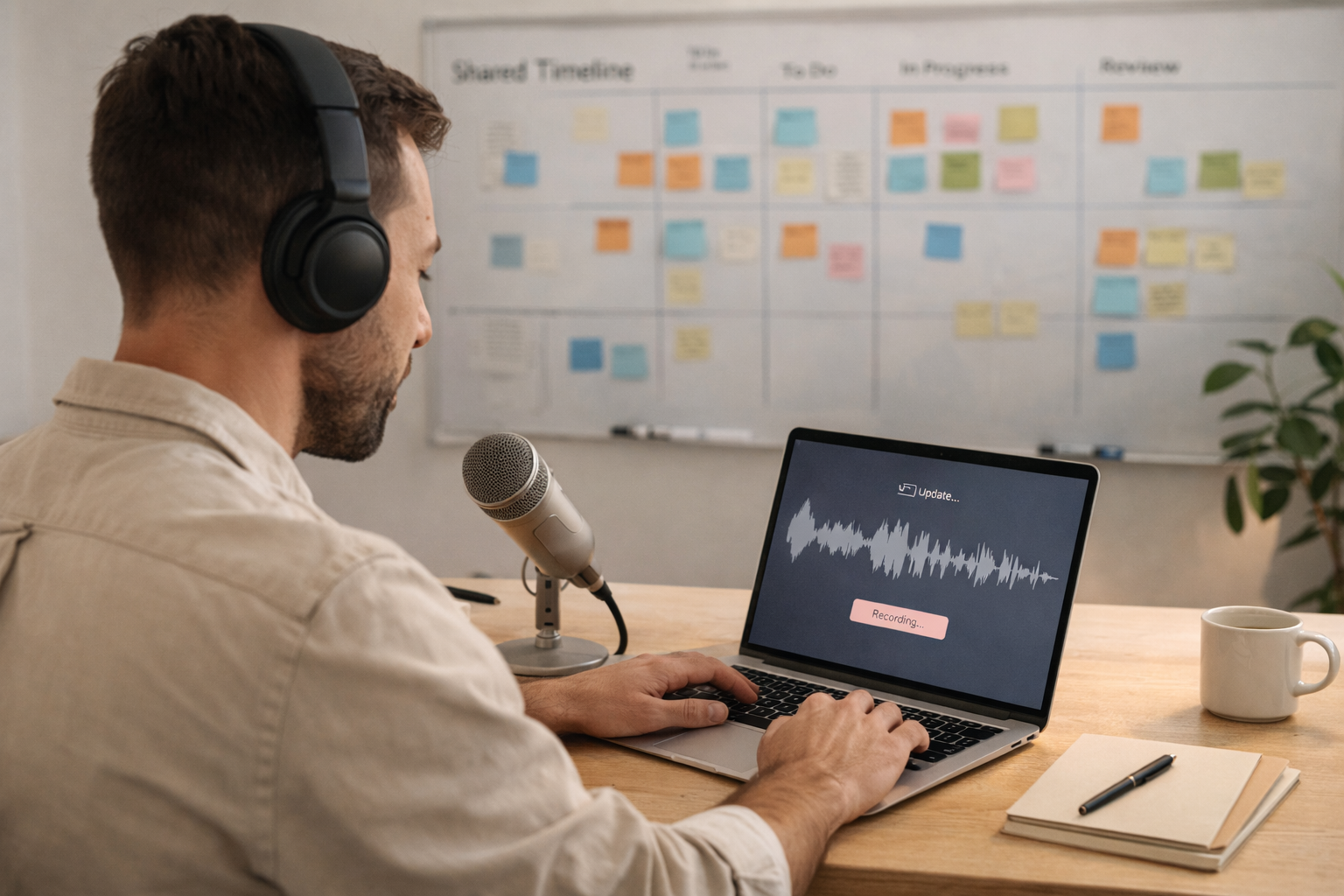
Async standups work when updates are fast to create and easy to read. Voice gives you speed. A clear template gives you consistency. Together, they replace a daily meeting.
This is not just a productivity hack. It is a communication upgrade. People hear tone, not just words. They also respond faster because the update feels more human.
The template
Use this three‑part format for every update:
- Yesterday: what moved forward
- Today: the next action
- Blockers: anything that needs help
Speak it as a voice note. Then convert it to text and tidy it with a quick clarity pass.
Why voice beats typed updates
Typing slows people down. Voice captures intent quickly. It also reads like a human, which makes the updates less dry and more useful.
Make it skimmable
After transcription, format the update into short lines. Use bullets or bold labels. The goal is for someone to scan it in under 30 seconds.
Keep updates short
If everyone knows the update will be under 90 seconds, they will keep it tight. You will get the signal without the noise.
Example async update
Yesterday: shipped new onboarding copy for mobile Today: add the final QA pass and coordinate with support Blocker: need a final screenshot from design
The payoff
You save time, reduce meetings, and still keep the team aligned. The updates also become a searchable archive of progress.
Implementation tips
- Pick a daily time and keep it consistent
- Store updates in a shared thread or channel
- Ask everyone to keep the same format
If you want async to work, make updates fast to create and fast to read. Voice does both.
Make it easy for others to act
A good team doc has three visible sections:
- Summary
- Decisions
- Next steps
If someone can scan those in 30 seconds, the doc is doing its job.
Consistency beats detail
Teams trust systems that look the same every time. Keep the template stable so reading is fast.
Where to store these notes
Pick one place your team already uses (a shared folder, a wiki, or a channel). The habit fails when people cannot find the notes later.
A small accountability rule
Every next step should include an owner and a date. That makes follow‑through obvious.
A final checkpoint
Before you publish, ask two questions:
- Can someone act on this without asking you to clarify?
- Is the next step obvious?
If both are true, your note is ready. Ship it and move on.
A memo that people actually read
Keep it to three sections:
- Summary
- Decisions
- Next steps
If you add a fourth, make it “Open questions” and keep it short.
A quick ownership rule
Every next step should include an owner and a date. It turns a note into a plan and avoids follow‑up confusion.
Make it easy to find later
Store memos by project and week. If people can find the note in 10 seconds, they will reuse it.
A final checkpoint
Before you publish, ask two questions:
- Can someone act on this without asking you to clarify?
- Is the next step obvious?
If both are true, your note is ready. Ship it and move on.
How to apply this in a real week
Pick one day and test the idea from “The Async Standup: Voice Updates That Keep Teams Moving.” Keep the output small and time‑boxed. When you finish, write down one thing you would change next time. That tiny feedback loop is what turns a nice idea into a working habit. Most workflows fail because they are too big or too vague. The smaller you keep it, the more likely you will repeat it.
A quick self‑review
After you publish, ask yourself:
- Did this feel faster than typing from scratch?
- Could someone else act on it without asking you to clarify?
- Would I repeat this tomorrow?
If the answer is yes, the workflow is working. If not, reduce the steps until it feels easy again.
A realistic expectation to set
The first time you try the workflow in “The Async Standup: Voice Updates That Keep Teams Moving,” it might feel awkward. That is normal. The second time is faster. By the third time, it starts to feel natural. The goal is not perfection; it is a repeatable system that saves time over a month, not a day.
A small way to make this shareable
When you finish the output, add one line that starts with “Next:” and names the next action. That one line creates momentum and makes the note valuable to someone else. This is the fastest way to turn personal notes into team‑ready updates.